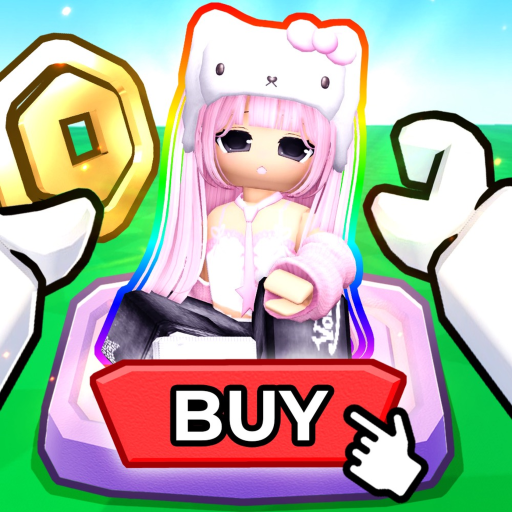
Confusing Coins with Robux
Coins are the in-game currency described for avatar rewards. The game page does not publish a fixed Coins-to-Robux payout.
Learn what the game is, set up your first booth, shop safely, and choose a realistic Coin or reward goal.
SELL YOUR AVATAR is a social avatar-shopping experience. Your first useful session is: prepare a fit, place it on a booth, browse another player’s outfit, watch how Coins change, and check the reward items before setting a goal.
Use the game by creator group SELL THE AVATAR. Similar search phrases can lead to generic avatar selling, PLS BUY ME, or Catalog Avatar Creator, which are different experiences.
Build an outfit around a clear look. The booth is easier to test when you know which avatar items should appear in the shopper view.
Claim or open a booth and add the outfit. Confirm the result itself—your display and item view—because control labels can vary.
Try on or inspect items before purchasing. The game says qualifying purchase activity can earn Coins, but complete attribution rules are not public.
Check the dated item list and use the Coin Goal Planner with numbers from your session. Do not treat a website example as an official rate or price.
Coins are the in-game currency described for avatar rewards. The game page does not publish a fixed Coins-to-Robux payout.
No official code system was found for SELL YOUR AVATAR. Keep playing the verified loop rather than entering unrelated codes.
Use the try-on/shopper view first and confirm the item belongs to the look you intended to inspect.
The item page shows a dated Roblox snapshot. Recheck the game and official asset page before planning around remaining quantity.
Coins are the in-game currency described for avatar rewards. The game page does not publish a fixed Coins-to-Robux payout.
No official code system was found for SELL YOUR AVATAR. Keep playing the verified loop rather than entering unrelated codes.
Use the try-on/shopper view first and confirm the item belongs to the look you intended to inspect.
The item page shows a dated Roblox snapshot. Recheck the game and official asset page before planning around remaining quantity.
Create outfits, display them on booths, browse other players’ outfits, earn Coins from qualifying purchases, and use Coins for avatar items.
No. The public game loop is outfit display and avatar-item shopping, not account selling.
Yes through Roblox mobile, but no creator-published phone-specific control walkthrough was publicly verified on Monday, July 27, 2026. Use the mobile status guide when the booth or shopper view looks different.
Yes, the official description advertises free VIP servers. It does not publish every server-specific rule.
Use the booth checklist, then the Coin guide and Coin Goal Planner after you can observe your own results.